What Is a Run of Show
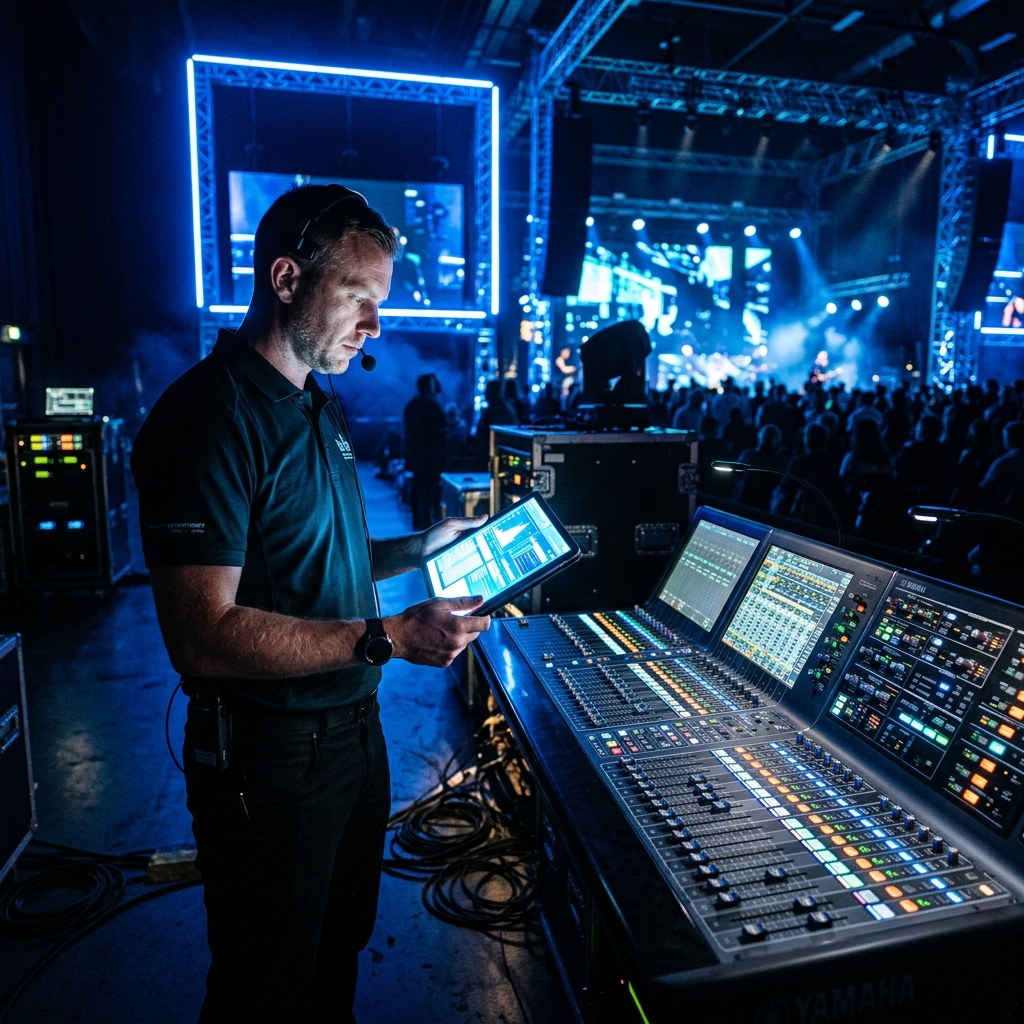
Think of the ROS as the sheet music for your event. The attendee sees a polished performance - seamless transitions, perfectly timed video rolls, walk-on music that starts at exactly the right moment. What they don't see is the technical team executing dozens of coordinated cues behind the scenes, all driven by the Run of Show. Without that document, your AV production team is essentially improvising - and improvisation at a corporate event rarely ends well.
Every event we've produced over our 500+ show days - from pharmaceutical conferences for Sanofi and BeiGene to automotive reveals for Ferrari and Porsche - has been driven by a detailed Run of Show. It is, without exception, the document that separates a professionally executed event from one that merely has equipment in the room.
What the AV Team Extracts From Your ROS
When your production team receives the Run of Show, they don't just read through it and file it away. They mine it for technical intelligence that drives every aspect of the production. Here's exactly what each department pulls from the document:
Audio department. The audio team uses the ROS to build a microphone plot - mapping which speakers use lavalier microphones, which use handheld and which present from a podium. They identify moments that require pre-recorded audio playback (walk-on music, video soundtracks, sound effects), plan wireless frequency coordination based on how many channels need to be active simultaneously and set up sub-mixes for any livestream or broadcast feed. If your keynote speaker transitions into a panel discussion, the audio engineer needs to know exactly when to crossfade from one mic to six - and the ROS tells them when that happens.
Lighting department. The lighting designer builds the entire cue stack from the ROS. Each program element gets a lighting look: keynote presentations might get a focused spot with subtle uplighting, while panel discussions need a broader wash across multiple positions. Award moments might call for dramatic color changes. Transition periods need a "walk" look that illuminates the audience and aisles. Without the ROS, the lighting operator is guessing at when to fire each cue, leading to awkward moments where a speaker walks on stage into darkness or a video plays while the stage lights are still at full - washing out the screen.
Video department. The video team uses the ROS to build a media playlist, organize presentation files in playback order and program the video switcher's macro cues. They identify when IMAG (Image Magnification) cameras are needed, when pre-produced video content rolls, when lower-thirds and name graphics appear and when the switcher needs to cut to a specific source. For events with LED walls, the video team also maps content resolution and aspect ratios to ensure every piece of media is properly formatted.
Streaming and broadcast. If the event includes a livestream component, the streaming director uses the ROS to plan camera cuts, graphic overlays, lower-third timing and the moments when the stream needs to go to a holding slide (during breaks) or a pre-produced bumper video. The ROS also identifies when remote speakers or Q&A segments need to be incorporated into the stream.
Stage management. The stage manager - or show caller - uses the ROS as their master control document. They call every cue from it, coordinating across all departments on a production intercom (Clear-Com, RTS or similar). "Standby lighting cue 12… go lighting 12. Standby video roll… go video." Every one of those calls originates from a line in the Run of Show.
A Sample Run of Show Format
A production-ready ROS doesn't need to be complicated, but it does need to be specific. Here's a simplified example of what a morning session might look like:
| Time | Program Element | AV Cue | Notes |
|---|---|---|---|
| 8:00 AM | Doors Open | House music on; holding slide on screens; house lights at 70% | Pre-set playlist from client |
| 8:55 AM | 5-Minute Warning | Countdown timer on screens; fade house music down 50% | Stage manager announces to production team |
| 9:00 AM | Opening Video | Blackout house lights; roll video on all screens; video audio through PA | 60-second sizzle reel; 1920x1080 ProRes file |
| 9:01 AM | CEO Welcome - Sarah Chen | Lighting cue: keynote look; lav mic CH 1 hot; IMAG cameras live; lower-third graphic | Speaker enters from stage left; has PowerPoint deck (48 slides) |
| 9:20 AM | Product Demo Video | Roll video; crossfade CEO mic down; video audio through PA | 3-minute video; CEO stays on stage during playback |
| 9:23 AM | CEO Continues | Return to keynote lighting; lav mic CH 1 hot; resume slides | CEO resumes presentation from slide 22 |
| 9:45 AM | Transition to Panel | Lighting cue: panel wash; open lav mics CH 2-5; name graphics for panelists; stinger music (5 sec) | 4 panelists enter; moderator takes center chair |
Notice the level of specificity. Each line tells every department exactly what to do and when. The audio engineer knows which channels to open. The lighting operator knows which scene to fire. The video operator knows which content to load. This level of detail is what enables the seamless, professional experience your audience sees.
Why "Yesterday" Matters - The Production Planning Cascade
There's a reason we say your AV team needed the Run of Show "yesterday." The ROS triggers a cascade of production planning tasks that each take time to execute properly:
Week 3-4 before event: Equipment specification. The ROS tells the production team exactly how many microphone channels are needed, how many lighting cues require programmable fixtures vs. static washes, how many video inputs the switcher must handle and whether a separate broadcast mix is required for streaming. These details directly determine the equipment list and, therefore, the budget. Without a ROS, the production consultant is forced to estimate - and estimates always include safety margins that increase cost.
Week 2-3 before event: Crew assignment. The complexity of the show flow determines how many technicians are needed. A simple presentation with four speakers might need one audio tech and one video operator. A complex show with multiple video rolls, lighting scenes, camera switches and a livestream might need an A1 audio engineer, an A2 for stage, a lighting programmer, two camera operators, a video director, a graphics operator, a streaming engineer and a stage manager. The ROS defines this crew size - and crew must be booked in advance.
Week 1-2 before event: Programming and prep. The lighting designer programs cue stacks in their console (grandMA, ETC Eos or similar). The video team builds the media playlist and tests every piece of content. The audio engineer plans the input list and builds scenes in the digital console (Yamaha CL/QL series, DiGiCo, Allen & Heath dLive). The show caller creates their calling script. All of this programming requires the ROS to be accurate.
48-72 hours before event: Final lock. The production team does a final review of the ROS against all their programming. Any last-minute changes are incorporated. The calling script is updated. The crew receives final briefing documents. This is the moment everything crystallizes - and it's only possible if the ROS has been stable long enough for all departments to complete their prep.
Ready to Elevate Your Next Event?
FPC delivers flawless AV production for corporate keynotes, product launches and hybrid conferences.
Get a Production QuoteWhat Happens When the ROS Comes Too Late
We've seen it more times than we can count: the Run of Show arrives at 11 PM the night before load-in or worse, it's handed to the show caller as a rough agenda on the morning of the event. Here's what that late delivery costs you:
Generic lighting looks. Without time to program specific scenes, the lighting operator defaults to a flat, general wash. Your stage looks functional but not designed. The dramatic keynote moment that should have had a focused spot with deep blue uplighting? It gets the same look as the coffee break.
Audio surprises. The A1 discovers during soundcheck that two speakers are sharing a handheld microphone in a panel discussion - something the ROS would have flagged weeks earlier, prompting the addition of another wireless channel. Now there's a scramble to find an available frequency and an extra mic from the rental house inventory.
Content chaos. Pre-produced videos arrive unnamed and unorganized because the video team didn't have a ROS to build a playlist against. The operator is searching for "Final_FINAL_v3_use-this-one.mp4" during a live transition while the audience watches a frozen holding slide.
Dead air and awkward transitions. Without rehearsed cue timing, transitions between speakers drag. There's a 15-second gap of silence and blank screens as the crew figures out what's next. In a 500-person ballroom, 15 seconds of dead air feels like an eternity - and it tells your audience that no one is in control.
Budget overruns. When the ROS arrives late, the production team cannot optimize. They over-order equipment as a safety buffer, they bring extra crew "just in case," and they absorb overtime costs during an extended on-site programming session that should have happened in advance. We've seen late ROS delivery add 10-20% to a production budget purely through preventable inefficiency.
How to Build a Production-Ready ROS
Building an effective Run of Show doesn't require AV expertise - it requires detailed knowledge of your program, which you already have. Here's how to create a document your production team can actually use:
Start with the skeleton. List every program element in chronological order with specific times. Include not just sessions but transitions, breaks, meals and pre/post-show periods. "Doors Open" and "Doors Close" are AV cues that trigger music, lighting and video content - don't omit them.
Add speaker details. For each speaker, include their full name (for lower-third graphics), title and organization, presentation format (keynote, panel, fireside chat, Q&A) and any content they will present (slides, videos, demos). Note whether they've confirmed or are still tentative - this affects how much time the production team invests in their specific setup.
Note content requirements. Identify every piece of media that will be played: opening videos, sponsor reels, award announcement graphics, musical transitions and speaker introductions. For each piece, note the format, duration and delivery method. Will the speaker advance their own slides via a clicker or does the video operator advance from front-of-house?
Flag special moments. Award presentations, surprise guest appearances, live demonstrations, audience participation segments and celebrity walk-ons all require specific technical setups that differ from standard presentations. Flag these in the ROS so the production team can plan accordingly.
Include timing buffers. Build in realistic transition times between segments. A speaker changeover - even a simple one - takes 60-90 seconds when you account for one speaker departing, the next speaker walking on, the slide deck switching and the lighting adjusting. Don't schedule back-to-back segments without transition time unless you want them to overlap.
Common ROS Mistakes Planners Make
After working across 100+ brands and countless event programs, we see the same ROS mistakes repeatedly. Avoiding these will dramatically improve your production quality:
Using approximate times. "Morning session" or "around 10 AM" is not actionable for a technical team. If the keynote starts at 9:00 AM and runs 45 minutes, write "9:00 AM - 9:45 AM." If you're not sure of exact times, give your best estimate - the production team can work with "approximately 9:00 AM" far better than no time at all.
Omitting transitions. The gaps between sessions are where the most technical work happens. Don't just list "Session 1" followed by "Session 2." Include the transition: "9:45 AM - Transition: stinger music, speaker changeover, slide deck switch, lighting crossfade to panel wash (90 seconds)." Your production team needs to know what fills that gap.
Ignoring the pre-show and post-show. The audience experience begins when they walk through the door, not when the first speaker takes the stage. What music plays? What's on the screens? Is there a countdown clock? Similarly, what happens after the final speaker? Walk-out music? A closing graphic? These bookend moments set the tone for the entire event.
Not version-controlling the document. The ROS is a living document that changes multiple times during planning. Without clear version numbers and dates, the production team cannot confirm they're working from the latest iteration. Label every version clearly: "ROS_v4_June10_FINAL" is better than "run of show updated."
Treating the ROS as confidential until the last minute. Some planners hold the ROS close because the program isn't finalized. The problem is that "not finalized" is different from "doesn't exist." Share early drafts with a clear note that changes are expected. An 80% complete ROS received three weeks early is infinitely more useful than a 100% complete ROS received 12 hours before load-in.
How FPC Works With Your ROS
At FPC, the Run of Show is the backbone of our entire production process. Founded by Andrew Florencia with over 13 years of production experience, we've developed a systematic approach to working with client ROS documents that eliminates the common friction points between planners and production teams.
When we engage on a new event, one of the first things we provide is a customized ROS template tailored to the event's complexity. We don't hand you a blank spreadsheet and say "fill this in." We build the skeleton - with pre-populated fields for the information we need - and collaborate with you to fill in the program details. This ensures nothing is missed and the format is immediately usable by our technical departments.
As the ROS evolves through planning, our production consulting team flags potential technical issues early. If a session has six panelists on wireless lavaliers in a venue that's already crowded on the RF spectrum, we raise that issue in week three - not during soundcheck. If the program has three speakers back-to-back with no transition time, we recommend building in 90-second changeover windows and suggest how to fill them (stinger music, name graphic animations or audience engagement prompts).
On show day, our technical director works from a marked-up version of the ROS that includes every technical cue. The client sees a polished, professional performance. Behind the scenes, our crew is executing from a precise script built entirely from the document the planner provided weeks earlier. That's the power of the Run of Show - and that's why we need it yesterday.
If you're planning a corporate event and want to see what a production-ready ROS looks like for your specific program, reach out to us. We'll walk you through the process and provide a template you can start filling in immediately.