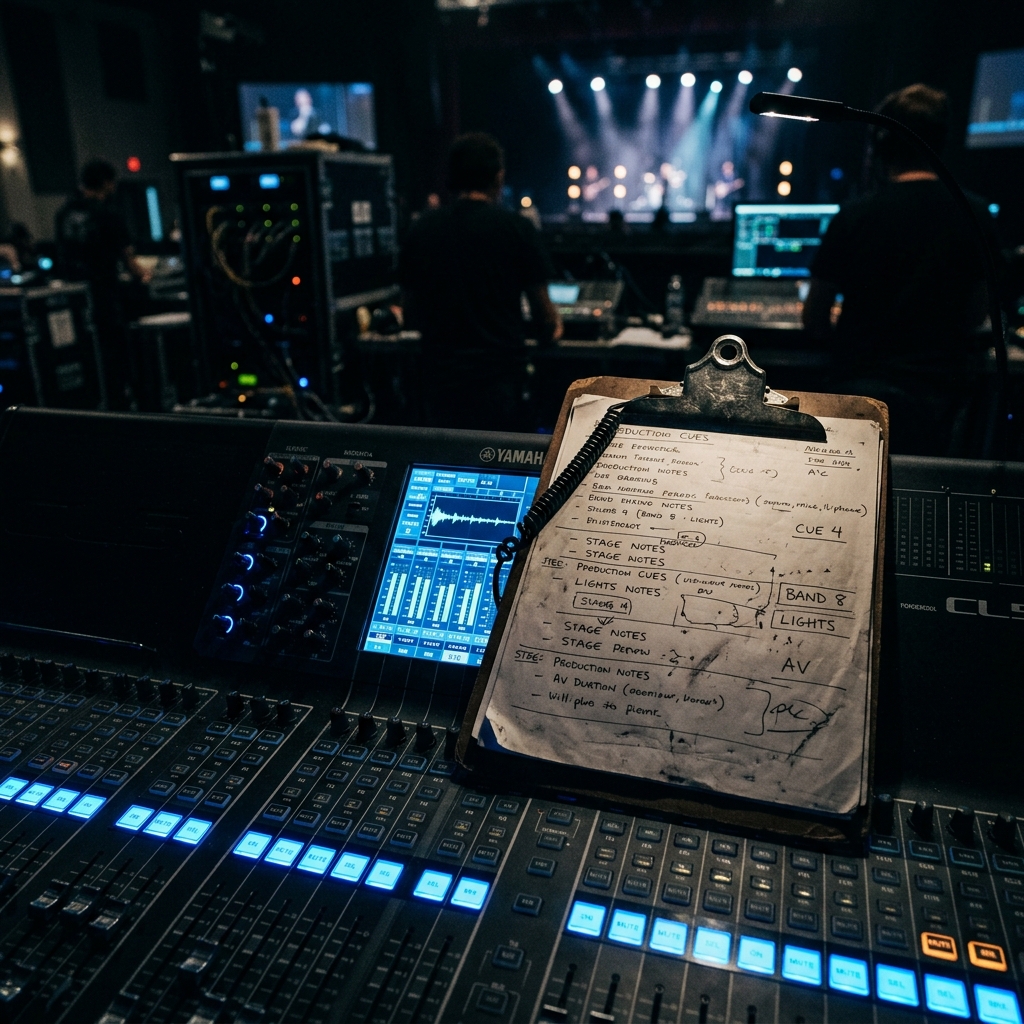
After 13+ years of producing corporate events - from 200-person pharmaceutical conferences to 5,000-seat product launches for brands like Ferrari, Porsche and the NFL - we have seen what happens when AV planning falls through the cracks. Missed microphone checks, incompatible video formats, forgotten adapters and power circuits that trip at the worst possible moment. Every one of those failures was preventable with the right checklist. This is the corporate event AV checklist we wish every event manager had before their first production meeting. Whether you are working with an AV company for the first time or managing your twentieth annual conference, use this as your master reference from the moment you sign the venue contract to the moment the last case rolls onto the truck. If you need a partner to walk you through every line item, our production consulting team is here to help.
- Phase 1: Initial Planning (12–8 Weeks Out)
- Phase 2: Venue Assessment and Design (8–6 Weeks Out)
- Phase 3: Equipment Specification (6–4 Weeks Out)
- Phase 4: Content and Rehearsal (4–2 Weeks Out)
- Phase 5: Load-In and Setup (1 Week to 1 Day Before)
- Phase 6: Show Day
- Phase 7: Strike and Post-Event
- Audio Checklist
- Video and LED Checklist
- Lighting Checklist
- Streaming Checklist
Phase 1: Initial Planning (12–8 Weeks Out)
☐ Define event objectives and key messages - what does the audience need to see, hear and feel?
☐ Confirm event format: keynote, panel, breakout sessions, awards gala, product launch, hybrid or virtual
☐ Establish total AV budget range and identify budget priorities (audio clarity vs. visual wow vs. streaming reach)
☐ Identify number of stages, breakout rooms and ancillary spaces requiring AV
☐ Confirm audience size and seating configuration (theater, classroom, rounds, reception)
☐ Determine if livestreaming or recording is required - and to what audience size
☐ Identify content types: slides, pre-produced video, live demos, audience polling, social media walls
☐ Hire your production consultant or AV partner - not a rental house, a partner who designs and manages the entire production
☐ Request a preliminary AV cost estimate based on event scope
☐ Establish communication plan between event manager, production team, venue and client stakeholders
Phase 2: Venue Assessment and Design (8–6 Weeks Out)
No amount of great equipment can compensate for a venue that fights you. The venue assessment is one of the most critical steps in any corporate event AV checklist - it is where you discover the constraints that will shape every technical decision. At FPC, we conduct thorough venue walkthroughs for every production, whether it is a hotel ballroom in Toronto or a convention center in Las Vegas.
☐ Conduct a physical venue walkthrough with your production team (or request detailed venue specs if remote)
☐ Measure room dimensions: length, width, ceiling height, stage depth and audience throw distance
☐ Document power availability: number of circuits, amperage, distance to panels, generator access if needed
☐ Assess rigging points: ceiling load capacity, existing truss grid, motor point locations, dead-hang options
☐ Evaluate ambient light: window coverings, fixed architectural lighting, ability to achieve blackout
☐ Check room acoustics: ceiling materials, wall surfaces, HVAC noise, adjacent room bleed
☐ Confirm loading dock access: truck height clearance, dock-to-room path, elevator dimensions and weight limits
☐ Document internet infrastructure: dedicated bandwidth available, hardwired Ethernet drops, ISP contact for event circuits
☐ Review venue AV exclusivity clauses and any mandatory in-house equipment requirements
☐ Create preliminary stage design and room layout with sightline analysis
☐ Identify FOH (front of house) position for audio and video mixing - central, unobstructed sightline to stage is essential
Phase 3: Equipment Specification (6–4 Weeks Out)
This is where your production consultant translates the event vision into a specific equipment list. Every line item should be justified by the venue assessment and event objectives - not pulled from a generic template. At FPC, we spec equipment based on the actual room, not a catalog. Our full-service capabilities span audio, video, lighting, rigging and streaming, so every technical discipline is coordinated from day one.
☐ Specify main presentation screens: size, type (LED wall, projection, LCD), resolution and aspect ratio
☐ Determine IMAG (image magnification) requirements: camera positions, switcher and confidence monitors
☐ Spec audio system: mains, delays, fills, subwoofers - sized for room volume and audience count
☐ Select microphone package: podium, handheld wireless, lavalier, headset, table mics for panels
☐ Confirm wireless microphone frequency coordination - critical in convention centers with high RF congestion
☐ Specify lighting design: stage wash, key light, accent lighting, gobos, audience lighting, uplighting
☐ Plan video playback and switching: media server, presentation switcher/scaler, input list
☐ Confirm rigging and staging requirements with venue and certified rigger
☐ Specify streaming infrastructure: encoder, bonded cellular backup, CDN, streaming platform, embed codes
☐ Build complete equipment list with quantities and submit to rental vendors for quoting
☐ Confirm power distribution plan: distro boxes, cable runs, tie-in requirements
Phase 4: Content and Rehearsal (4–2 Weeks Out)
Content is where most corporate events succeed or fail. The best AV in the world cannot save a presentation formatted in the wrong aspect ratio or a video with no embedded audio. This phase is about making sure every piece of content is production-ready and every presenter knows what to expect on stage.
☐ Collect all presentation files (PowerPoint, Keynote, video) and test on playback system
☐ Confirm presentation aspect ratio matches screen configuration (16:9 vs. ultrawide vs. custom)
☐ Test all video files for codec compatibility, audio embedding and resolution
☐ Prepare speaker-ready room workflow for day-of presentation updates
☐ Build show cue sheet: every transition, video roll, lighting cue, music cue and mic change
☐ Create detailed run-of-show document and distribute to all production crew, client and venue
☐ Schedule technical rehearsal - ideally a full run-through with presenters on stage
☐ Confirm all presenter requirements: teleprompter, confidence monitors, clicker preference, notes display
☐ Test livestream end-to-end: encoding, CDN ingest, player embed, chat/Q&A integration
☐ Prepare backup content delivery: USB drives, cloud download links, duplicate media servers
Phase 5: Load-In and Setup (1 Week to 1 Day Before)
Load-in is where the plan meets reality. A well-organized load-in follows a precise sequence: rigging first, then staging, then lighting, then video, then audio, then scenic and branding elements. Deviating from this order creates cascading delays. With over 500 show days of experience, our team has refined this process to minimize setup time and maximize system check time.
☐ Confirm load-in schedule with venue, including dock reservations and freight elevator bookings
☐ Verify all equipment has shipped and confirm delivery tracking
☐ Execute rigging: hang points, truss, chain hoists, safety cables - all certified and inspected
☐ Build stage, set scenic elements and position screens
☐ Install and focus lighting rig - program cues after scenic and screens are set
☐ Set up video infrastructure: LED walls, projectors, cameras, switcher, media servers, confidence monitors
☐ Deploy audio system: position speakers, run cables, set up mixing console, patch microphones
☐ Ring out audio system: tune speakers to the room using measurement microphones and system processor
☐ Test all wireless microphones through full system - walk the stage, test every position
☐ Establish streaming infrastructure: encoder, internet connection, backup connection, test stream
☐ Complete full system integration test: play every piece of content through every output
☐ Conduct crew briefing: review run-of-show, assign positions, confirm communication channels (comms/IFB)
Ready to Elevate Your Next Event?
FPC delivers flawless AV production for corporate keynotes, product launches and hybrid conferences.
Get a Production QuotePhase 6: Show Day
Show day is execution. If the previous five phases were done properly, show day should feel controlled and almost calm. Almost. There will always be variables - a speaker who arrives late, a last-minute slide change, an executive who decides they need a wireless mic instead of a lavalier. A great production team absorbs these changes without breaking stride.
☐ Crew call: all technicians on site at designated call time (typically 2–3 hours before doors)
☐ Power up all systems and run morning system check
☐ Confirm all content is loaded and current - check for any overnight updates from client
☐ Open speaker-ready room and confirm presenter check-in schedule
☐ Sound check all presenters: mic level, monitor level, confidence monitor content, clicker functionality
☐ Conduct cue-to-cue rehearsal if not done the previous day
☐ Test livestream with remote viewers - confirm video, audio and chat functionality
☐ Confirm recording is active on all designated outputs (ISO cameras, program feed, audio multitrack)
☐ Monitor audio levels throughout the show - ride faders, manage feedback, adjust for room fill changes
☐ Manage real-time content changes: slide updates, video swaps, last-minute speaker additions
☐ Document any issues for post-event debrief
Phase 7: Strike and Post-Event
Strike - the industry term for teardown - is the final phase that many event managers forget to plan for. A disorganized strike can damage equipment, extend venue charges and leave critical deliverables (recordings, files) behind.
☐ Confirm all recording files are saved and backed up to at least two locations
☐ Export livestream analytics: peak concurrent viewers, total unique viewers, engagement metrics
☐ Secure all client content: return presentation files, delete copies per data retention policy
☐ Execute strike in reverse order of load-in: audio first, then video, lighting, scenic, rigging last
☐ Conduct equipment inventory before loading trucks
☐ Complete venue walkthrough to confirm no damage and no equipment left behind
☐ Submit post-event production report to client: what worked, what to improve, lessons learned
☐ Schedule post-event debrief meeting with client and production team
Audio Checklist
Audio is the single most important technical discipline at any corporate event. Audiences will forgive a slightly dim projector - they will not forgive inaudible or feedback-plagued audio. Our audio production team treats every event as a professional sound reinforcement deployment.
☐ Main PA system (line arrays or point-source) sized for room volume and audience distance
☐ Delay speakers for deep rooms exceeding 80 feet from the stage
☐ Front-fill speakers for first rows below main PA coverage
☐ Subwoofers if program includes video with music, walk-in/walk-out music or entertainment
☐ Digital mixing console with multitrack recording capability (Yamaha CL/QL, Allen & Heath dLive, DiGiCo)
☐ Wireless microphone system with frequency coordination (Shure Axient Digital, Sennheiser EW-DX)
☐ Podium microphone (gooseneck or flush-mount)
☐ Lavalier microphones for presenters who move on stage
☐ Handheld wireless microphones for audience Q&A
☐ Table microphones for panel discussions (Shure MX series or DIS conference system)
☐ Audio press feed/mult box for media or recording
☐ System processor/DSP for speaker management, EQ, delay alignment and limiting
☐ Comms system for production crew (Clear-Com, RTS)
☐ Backup microphones and wireless bodypack transmitters
Video and LED Checklist
Video is what your audience sees - and in today's corporate event landscape, expectations are shaped by broadcast television and high-end streaming. LED walls, IMAG cameras and professional switching are no longer reserved for arena shows; they are standard at well-produced corporate events. Our video and LED team designs systems that deliver broadcast-quality visuals in any venue.
☐ Main display: LED wall (pixel pitch appropriate for viewing distance), projection screen or LCD array
☐ Side screens or confidence monitors for speaker reference
☐ IMAG cameras: minimum two for single-stage events (wide and tight), three or more for complex shows
☐ Camera support: tripods, pedestals or jib/crane for dynamic shots
☐ Video switcher (Ross Carbonite, Blackmagic ATEM, Grass Valley) with M/E buses for layering
☐ Presentation switcher/scaler for laptop inputs (Barco E2/S3, Analog Way Aquilon)
☐ Media server for video playback and graphics (Disguise, Resolume, Watchout)
☐ Confidence monitors at stage lip and presenter positions
☐ Teleprompter system if required
☐ Record decks: ISO camera records plus program record (HyperDeck, Ki Pro)
☐ Cable infrastructure: SDI, fiber, HDMI and appropriate converters/adapters
☐ Test all laptop connections: HDMI, USB-C, DisplayPort - bring every adapter
Lighting Checklist
Lighting is the discipline that separates a professional corporate event from a hotel meeting room with a projector. Proper lighting design ensures speakers look their best on camera, branding elements pop and the audience feels the energy of the production.
☐ Stage key light: front light at 45-degree angle for even facial illumination (essential for IMAG and streaming)
☐ Stage wash: even coverage across the full stage using LED wash fixtures (Chauvet, Martin, ETC)
☐ Accent and effects lighting: moving heads for texture, color and dynamic looks
☐ Gobo projections for branded patterns on stage, walls or floor
☐ Audience lighting: house lights, wash for engagement shots, controlled dims for presentations
☐ Uplighting for room perimeter, branding colors, scenic elements
☐ Follow spot for keynote speakers or award presenters in large rooms
☐ DMX lighting console (grandMA, ETC Eos, ChamSys) with programmed cue stacks
☐ Haze machine for beam visibility (atmosphere effects - clear with venue fire marshal first)
☐ Practical and scenic lighting for set pieces, podium and branding elements
☐ LED strip and tape for edge-lit scenic and stage elements
Streaming Checklist
Livestreaming has become a baseline requirement for corporate events - not a nice-to-have. Whether you are streaming a keynote to 50 remote employees or broadcasting a product launch to 10,000 global viewers, the streaming infrastructure must be robust, redundant and tested well before showtime.
☐ Dedicated internet connection: minimum 20 Mbps sustained upload (separate from venue/attendee Wi-Fi)
☐ Backup internet connection: bonded cellular (Teradek Bond, LiveU) or secondary ISP circuit
☐ Hardware encoder: Teradek Vidiu, AJA HELO or dedicated streaming PC with OBS/vMix/Wirecast
☐ Streaming platform and CDN confirmed: Vimeo, YouTube Live, custom RTMP endpoint or dedicated platform
☐ Stream key and RTMP/SRT ingest URL tested and confirmed
☐ Program feed to encoder: clean switched output with graphics, lower thirds and branded overlays
☐ Audio feed to encoder: mixed and mastered program audio from FOH console
☐ Remote viewer experience tested: registration, player embed, chat/Q&A, closed captioning
☐ Recording of stream: local backup recording in addition to platform recording
☐ Streaming crew assigned: dedicated stream operator monitoring quality, chat and backup systems
☐ Pre-event test stream completed with client and remote stakeholders